


Mix up your Vocations
Like many other RPGs, playable characters in Dragon Quest VII Reimagined can be assigned to a job class – called “Vocations” in DQ terms. And if you’ve played an RPG before, then you know it’s important to have a balanced party. Having only Warriors may seem beneficial when fighting strong enemies, but you’ll have a tough time keeping your party healed without a Priest.

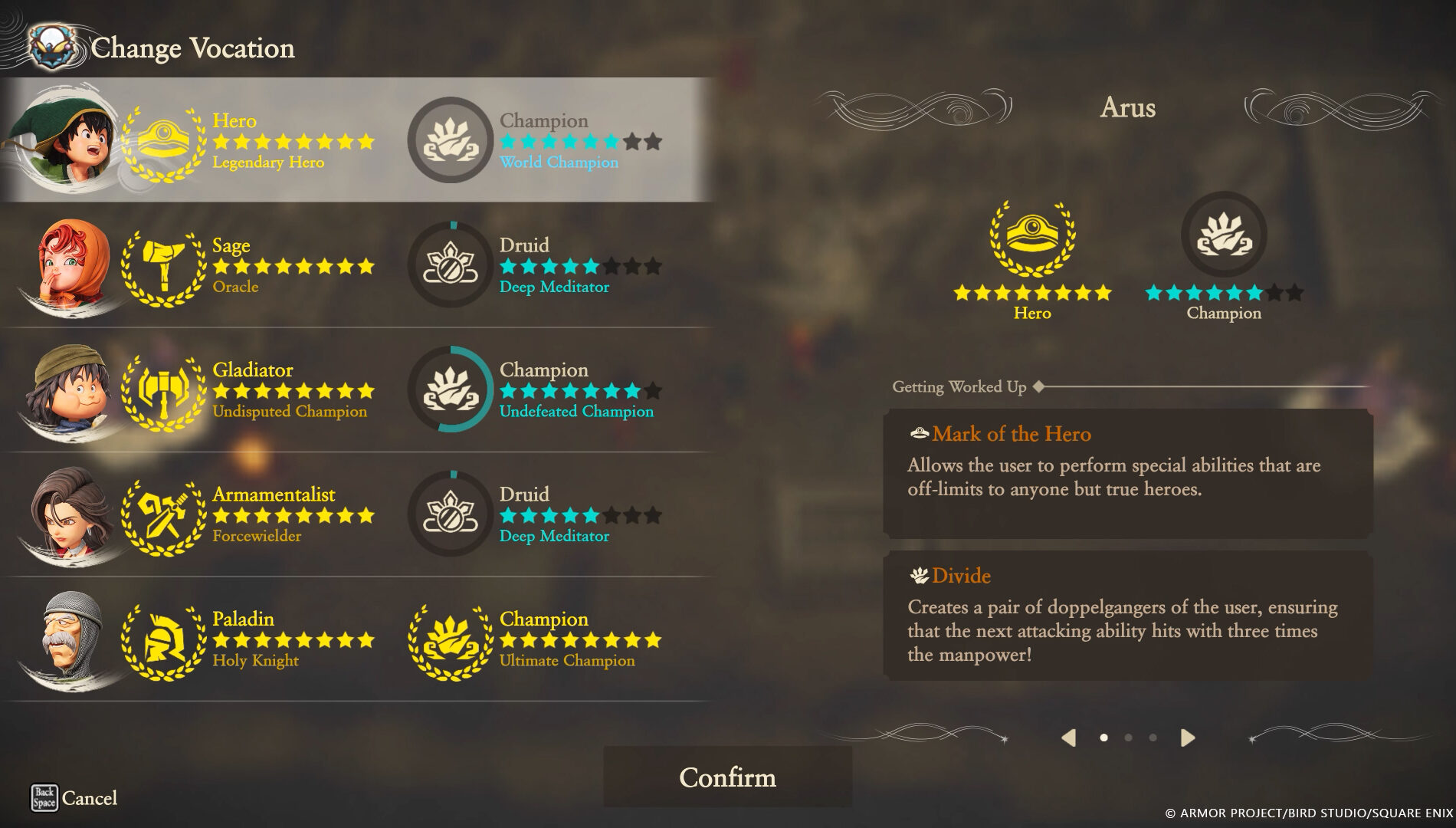
Fortunately, you’ll have a lot of flexibility to play with different Vocations, thanks to the new Moonlighting feature, which allows your party members to hold two different Vocations at once! You can even change their Vocations in the middle of a dungeon if you need to fine-tune your strategy. (I recommend keeping one Vocation maxed out while you try a brand new one, so you’ll always have some strong spells and abilities.) Just keep in mind that after maxing out one Vocation, the accompanying skills are removed once you switch to another.
Tip: If you need a little boost in training, look for an item called the “Seed of Proficiency,” which adds a level to your current Vocations.
Set the speed of battle…
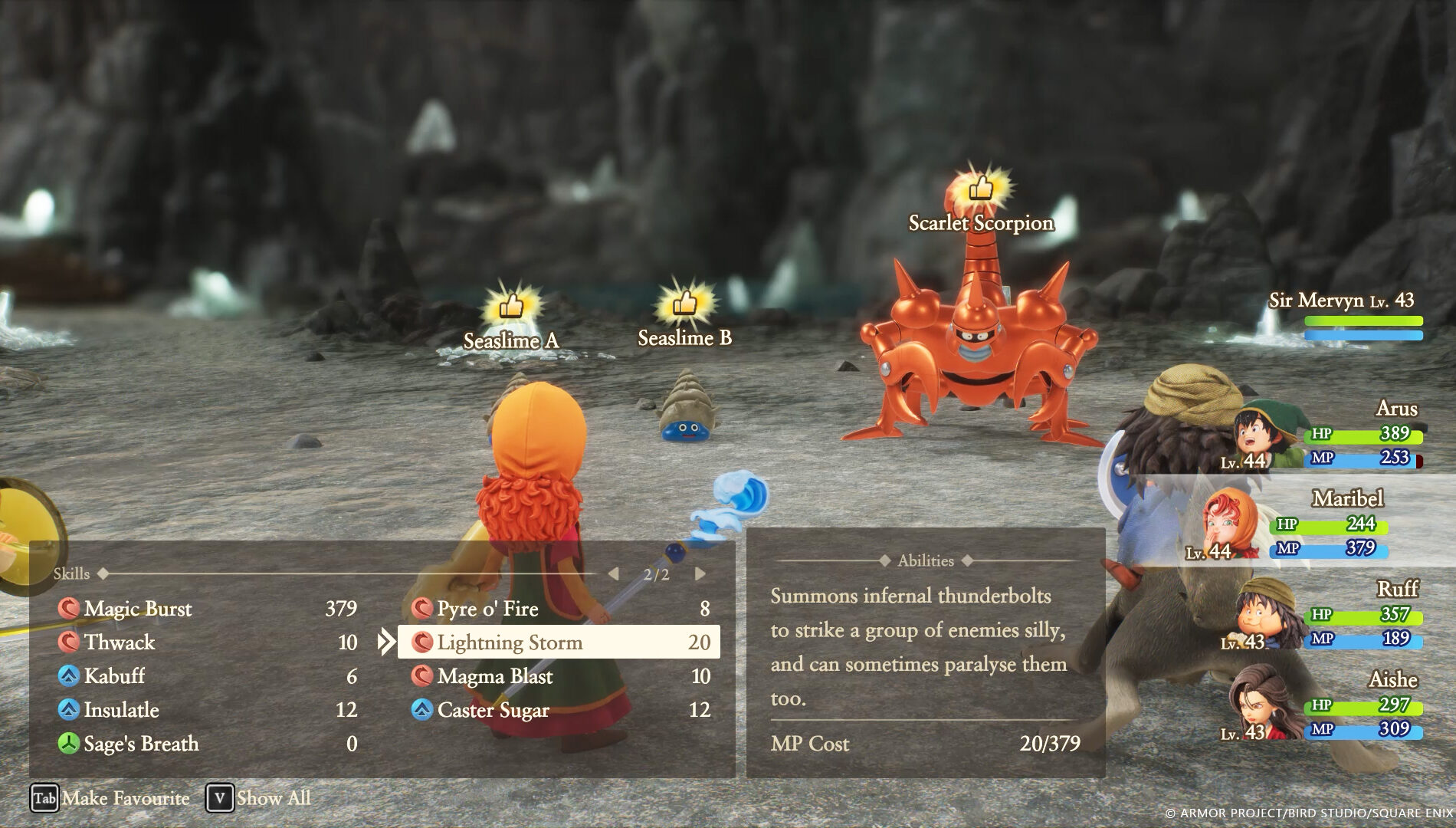
Whether you’re looking to breeze through a dungeon or savor every moment, you can adjust the battle speed to your liking. You can also try the auto-battle feature and sit back while your party works for you. You can also set different auto-battle strategies for each character.
For example, “Show No Mercy” really packs a punch, but it also depletes your magic points quickly, leaving you possibly defenseless in the middle of a quest. “Focus on Healing” ensures your characters don’t die, though you can get caught in a loop if your characters don’t fight back. When in doubt, use “Fight Wisely” for a solid balance.
Tip: Bosses will be harder than normal enemies, so I recommend switching to manual inputs and settling in for some classic, cozy, and challenging turn-based battles.
…and customize your challenge
Instead of only offering pre-set difficulty levels, Dragon Quest VII Reimagined also lets you adjust several settings to make your adventure easier or harder. You can deal more (or less) damage, change the amount of Vocational Proficiency, experience, and gold you earn, or stop enemies from attacking you on the world map.
Tip: If you want to level up your Vocations faster while still enjoying a good challenge, just toggle the setting for proficiency earned to the max!
Beat vicious enemies for accessories
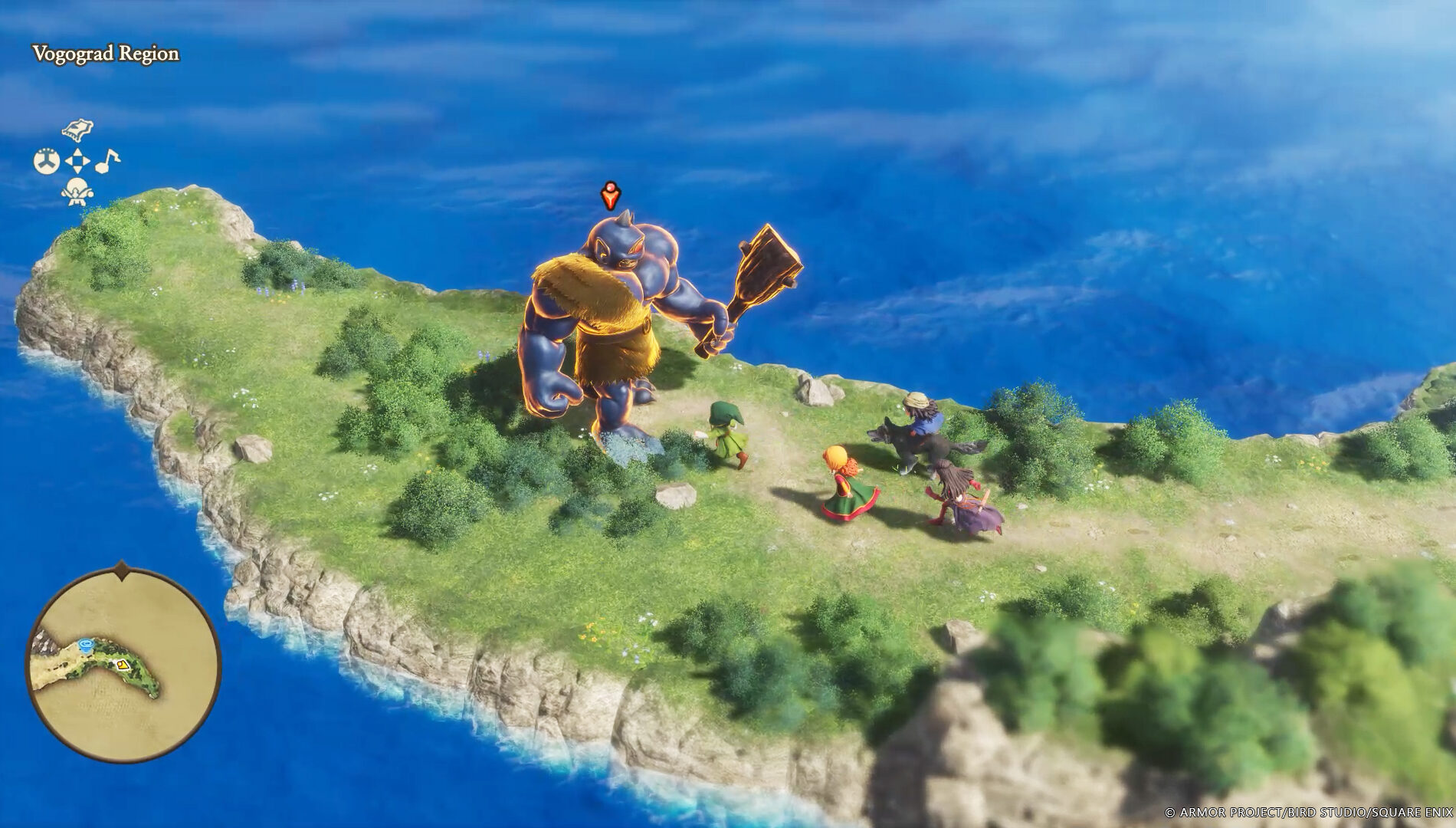
If you notice enemies that are a different color from their regular counterparts, those are vicious enemies. They’ll be harder to beat, but they’ll drop useful accessories if you defeat them.
Tip: If you have the resources to survive the fight, don’t pass up the opportunity to take them down!
Get a closer view during gameplay
The diorama-like graphics of Dragon Quest VII Reimagined especially shine with the normal camera, but it might be positioned a bit farther away than you’re used to.
Tip: If you want to inspect anything closer, there’s always the appropriate toggle in the settings.
Add shortcuts to the directional pad
Some very useful commands can be mapped onto the directional pad so that you don’t have to always go into the menu. At first, you can only assign the “Heal All“ ability to the d-pad, but you’ll unlock more options throughout your journey, like the “Career Sphere”!
Tip: One unlockable option is “Nose for Treasure” which will help you locate undiscovered treasure to help get that sweet, sweet loot.
Play the Dragon Quest VII Reimagined Demo!
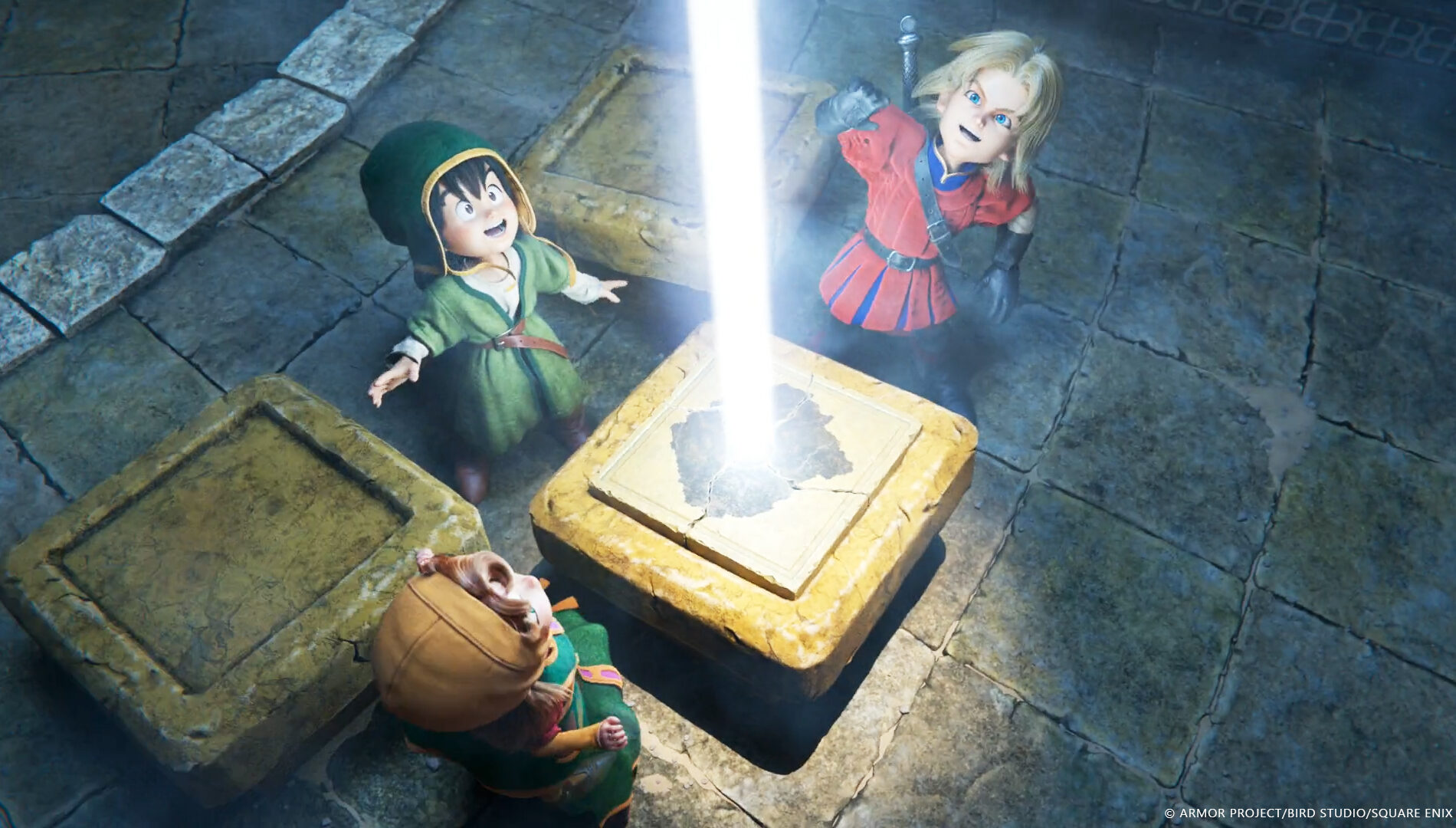
Sometimes the best way to start is to jump right in! The free Dragon Quest VII Reimagined Demo covers the first several hours of the game – perfect for helping you get your sea legs if this is your first Dragon Quest.